
Use shared facilities and report maintenance
Report a problem, follow the repair and find the committee’s reply.
You see only the parts that belong to your role. Your committee arranges access to the association.
What do you need first?
Members use their accepted association portal. Supporting members without a plot can use association-wide facilities. Management requires Manage facilities and maintenance or general organisation management, within the assigned scope.
Follow these steps
Plots & facilities · Facilities & maintenance
The committee records the shared facility with its location, member instructions and scope. A water point, path or wheelbarrow is separate from a plot or private growing space. Without plot management, Maintenance appears directly in committee navigation.
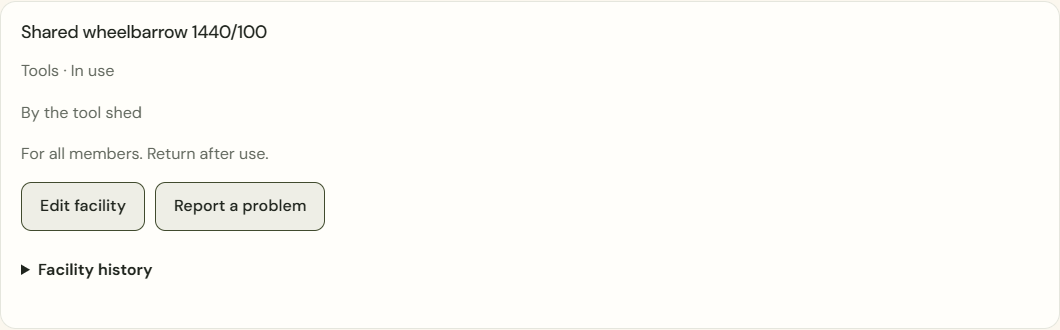
Desktop · Shared facility with location, member instructions and available actions. 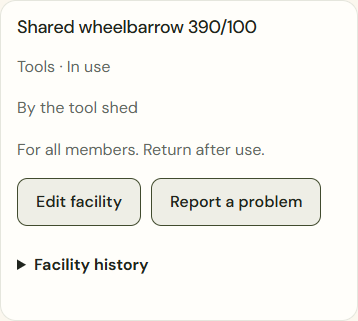
Mobile · Shared facility with location, member instructions and available actions. My association · Report maintenance
Choose the intended facility and describe the problem. You only see facilities within your access and follow your own household’s reports. A report does not create a garden account or plot allocation.
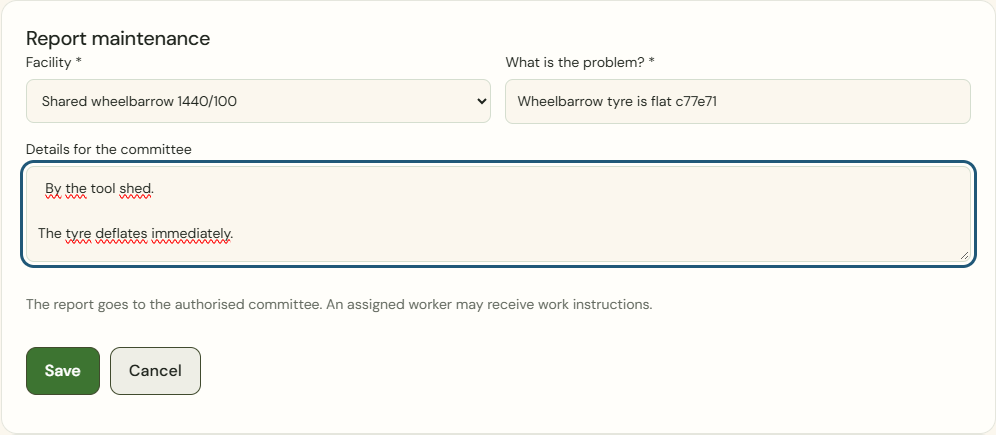
Desktop · A member without a plot reports a problem with a shared facility. 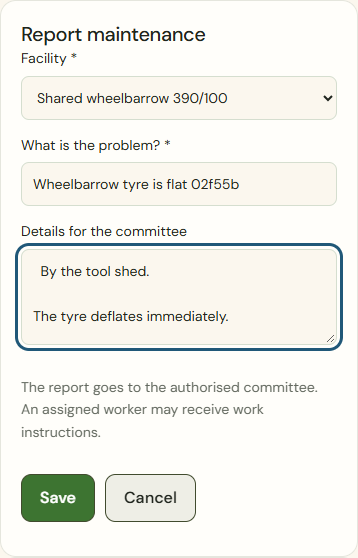
Mobile · A member without a plot reports a problem with a shared facility. Today · Maintenance needs attention
Authorised managers find new reports, updates and work reported complete on Today. Open the exact report link to review the situation and its history.

Desktop · New maintenance report among committee actions on Today. 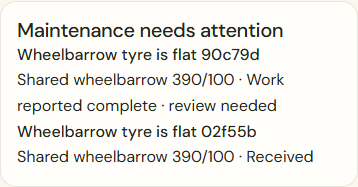
Mobile · New maintenance report among committee actions on Today. Assign work
Choose an active personal committee member who can cover the entire scope and provide specific work instructions. This uses the existing committee task. Assignment does not grant general management rights; work notes remain outside the member portal.
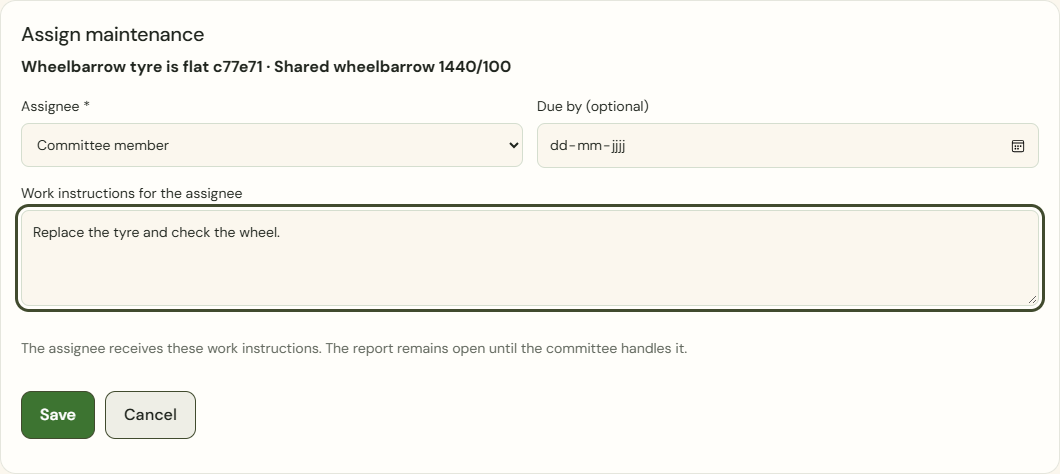
Desktop · Assign maintenance with assignee, optional due date and work instructions. 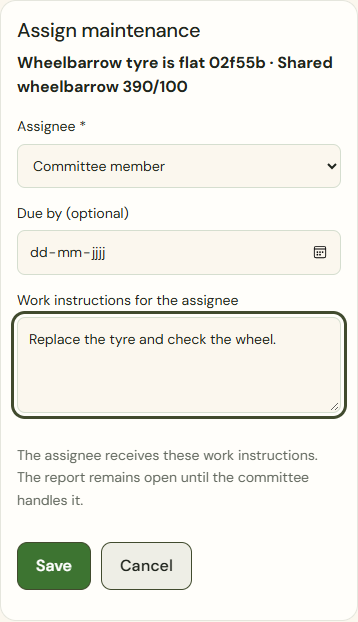
Mobile · Assign maintenance with assignee, optional due date and work instructions. Committee tasks · Update progress
The assignee finds their task on Today or under Committee tasks and updates progress. Completed means Work reported complete · review needed for a maintenance report. The committee still needs to check the outcome.
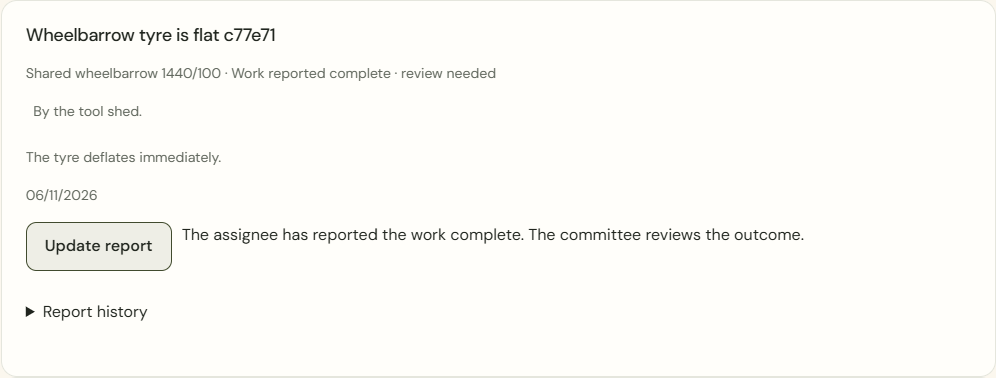
Desktop · Own report with work reported complete awaiting committee review. 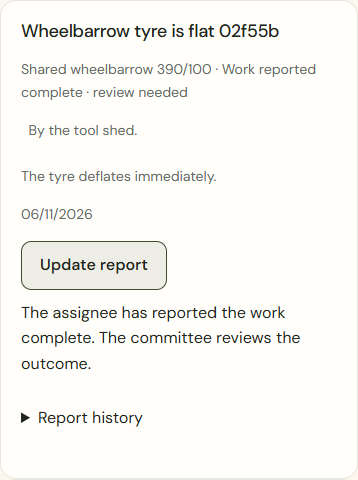
Mobile · Own report with work reported complete awaiting committee review. Handle report
Authorised managers deliberately choose Resolved and checked or Close without repair and write a reply to the reporter. The linked task closes with the report. A closed report cannot be reopened through the task.
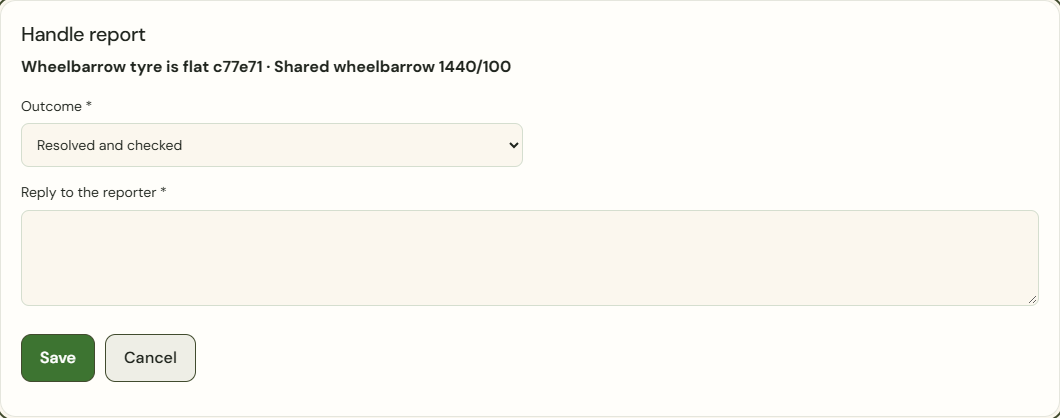
Desktop · Deliberate handling of a maintenance report with a reply to its reporter. 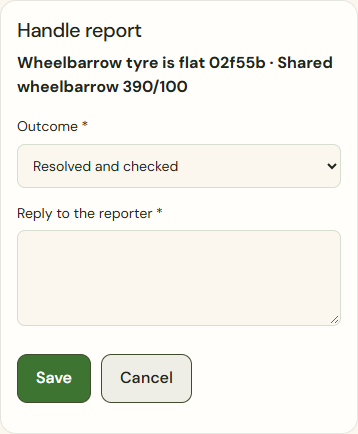
Mobile · Deliberate handling of a maintenance report with a reply to its reporter. My association · Handled reports
The member finds the reply and earlier events in the archive. A new problem requires a new report. The committee cannot archive a facility or move it to another scope while it has open reports.
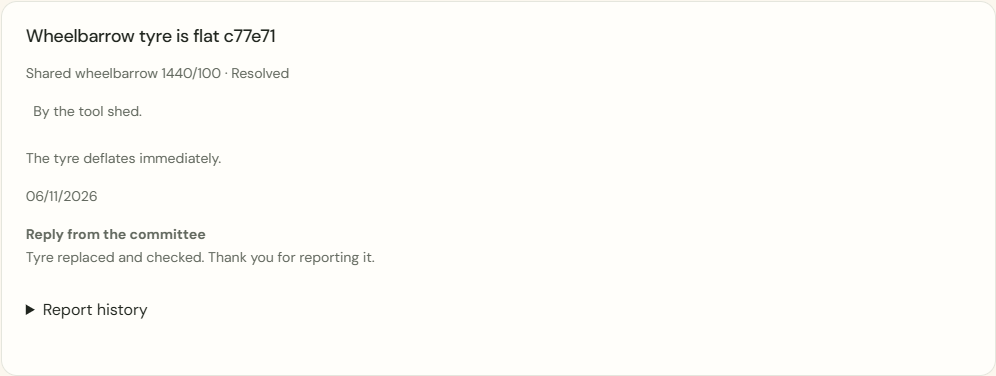
Desktop · Handled own maintenance report with the committee’s reply. 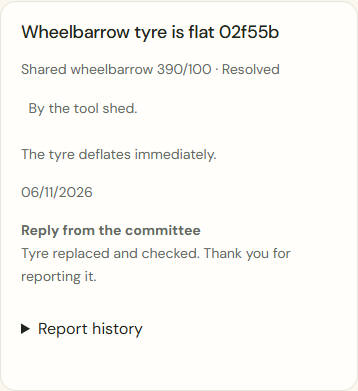
Mobile · Handled own maintenance report with the committee’s reply.
What success looks like
The facility, report, assignee and outcome remain clearly linked, with their history retained.
Who can see this?
Other households cannot see your report. Committee members see reports within their granted permission and scope. The assignee receives the work instructions; private gardens and unnecessary member records remain protected.
If something goes wrong
Was the save response lost? Keep the input and choose Check previous action; this checks the same operation without duplicating the report. If access is lost while a form is open, source records disappear. Only your own edited text remains temporarily available to copy.