
Request a change or departure
Identify exactly which person, household relationship or plot allocation should change.
This guide shows how the association area works. The functions available to you depend on your role and your association’s activation.
What do you need first?
Your own portal access and the requested change with the desired date. A family sign-in does not prove all formal members agree.
Follow these steps
Details & requests
Check your household, plots and planner coverage.
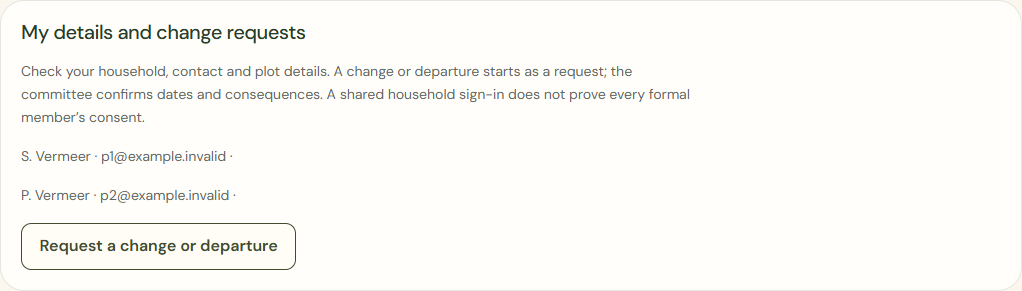
Desktop · Own fictional contact details and the button to start a precise change request. 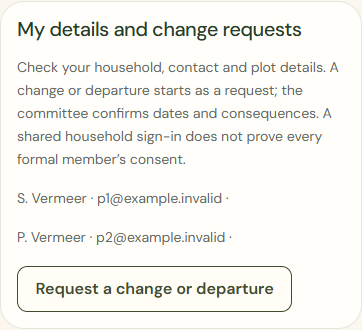
Mobile · Own fictional contact details and the button to start a precise change request. Request a change or departure
Choose contact details, one plot, a formal member or the household. Request departure begins the separate departure route.
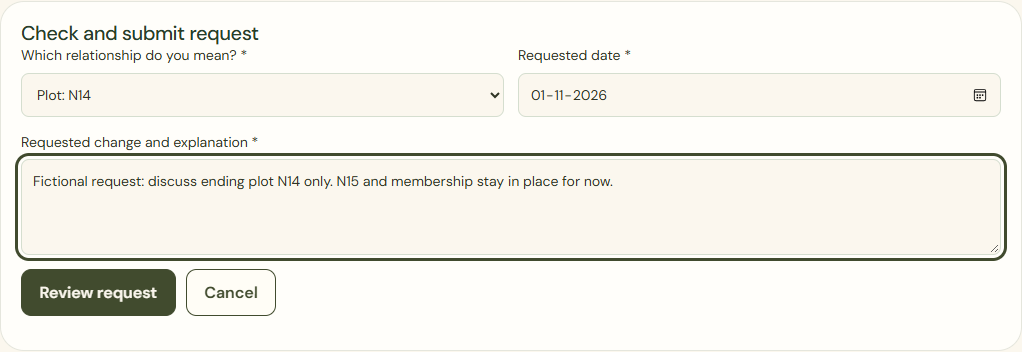
Desktop · Actual request form for plot N14 only; other relationships remain separate. 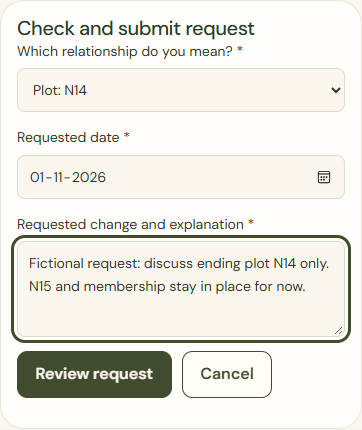
Mobile · Actual request form for plot N14 only; other relationships remain separate. Review request
Read the summary and requested date. A request is not an immediate termination.

Desktop · Summary of the chosen relationship, date and explanation; nothing has been sent to the committee yet. 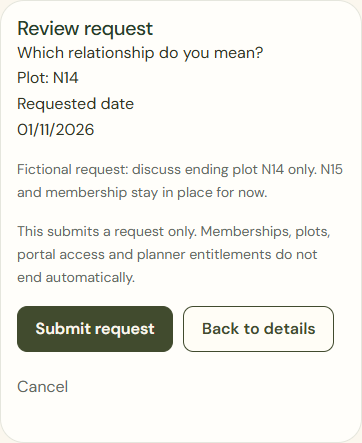
Mobile · Summary of the chosen relationship, date and explanation; nothing has been sent to the committee yet. Submit request
Confirm the intended request. Cancel sends nothing. The committee reviews the effects and confirms the actual change.

Desktop · Separate submit button with back and cancel actions; submission does not end relationships. 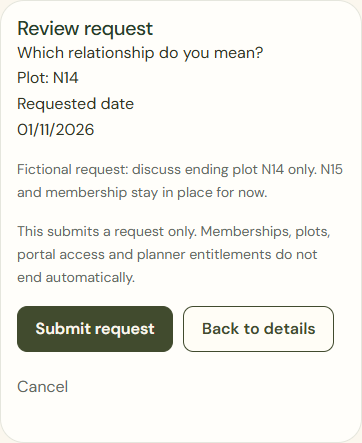
Mobile · Separate submit button with back and cancel actions; submission does not end relationships.
What success looks like
The request is received and awaiting review. Cancelling an activity or signing out does not end another relationship.
Who can see this?
A change request does not delete or transfer private planting information.
If something goes wrong
Sending failed? Keep your text and check the request status first. A wrong household needs committee correction, not another request on someone else’s behalf.