
Record and share an inspection with photos
A visit, assessment, follow-up and publication are separate steps.
This guide shows how the association area works. The functions available to you depend on your role and your association’s activation.
What do you need first?
Personal inspection permission for the correct site. Publication requires explicit permission.
Follow these steps
Record an inspection
Check the plot and allocation and record the actual visit date, observation and criteria. A scheduled visit has not yet happened.
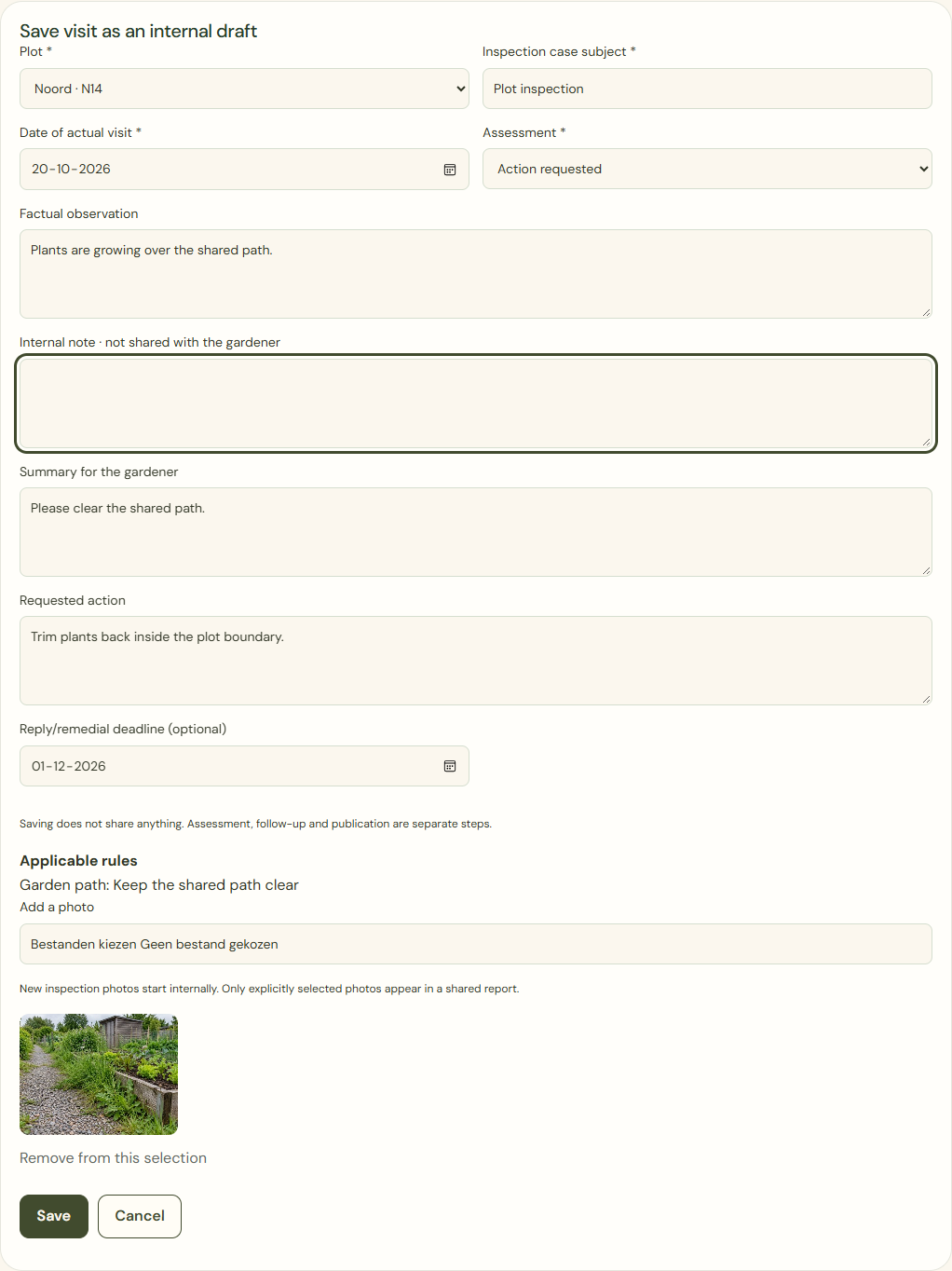
Desktop · Inspection form with fictional observation and illustrative photo; internal note empty. 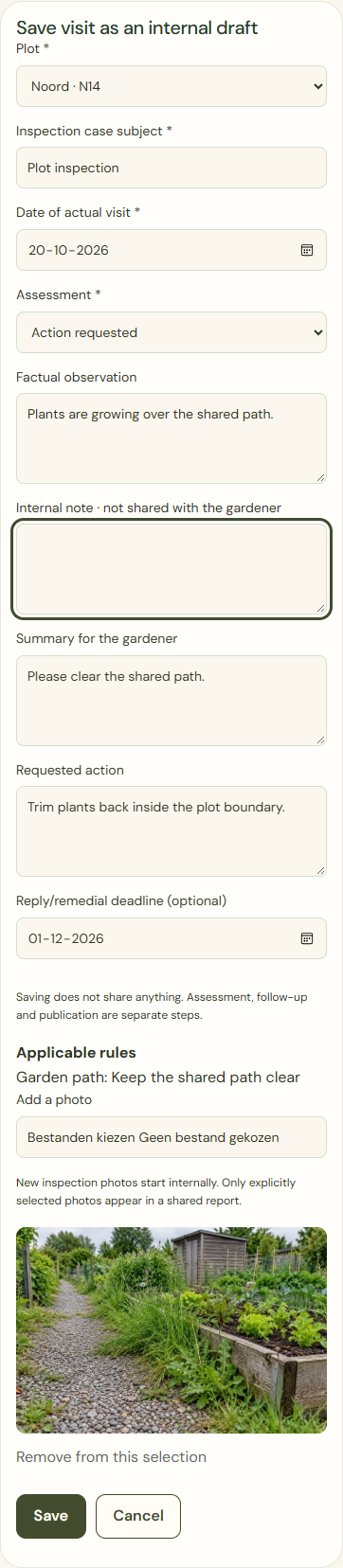
Mobile · Inspection form with fictional observation and illustrative photo; internal note empty. Save
Keep material internal until it may be shared. Separate internal notes from the gardener’s text and select photos deliberately.
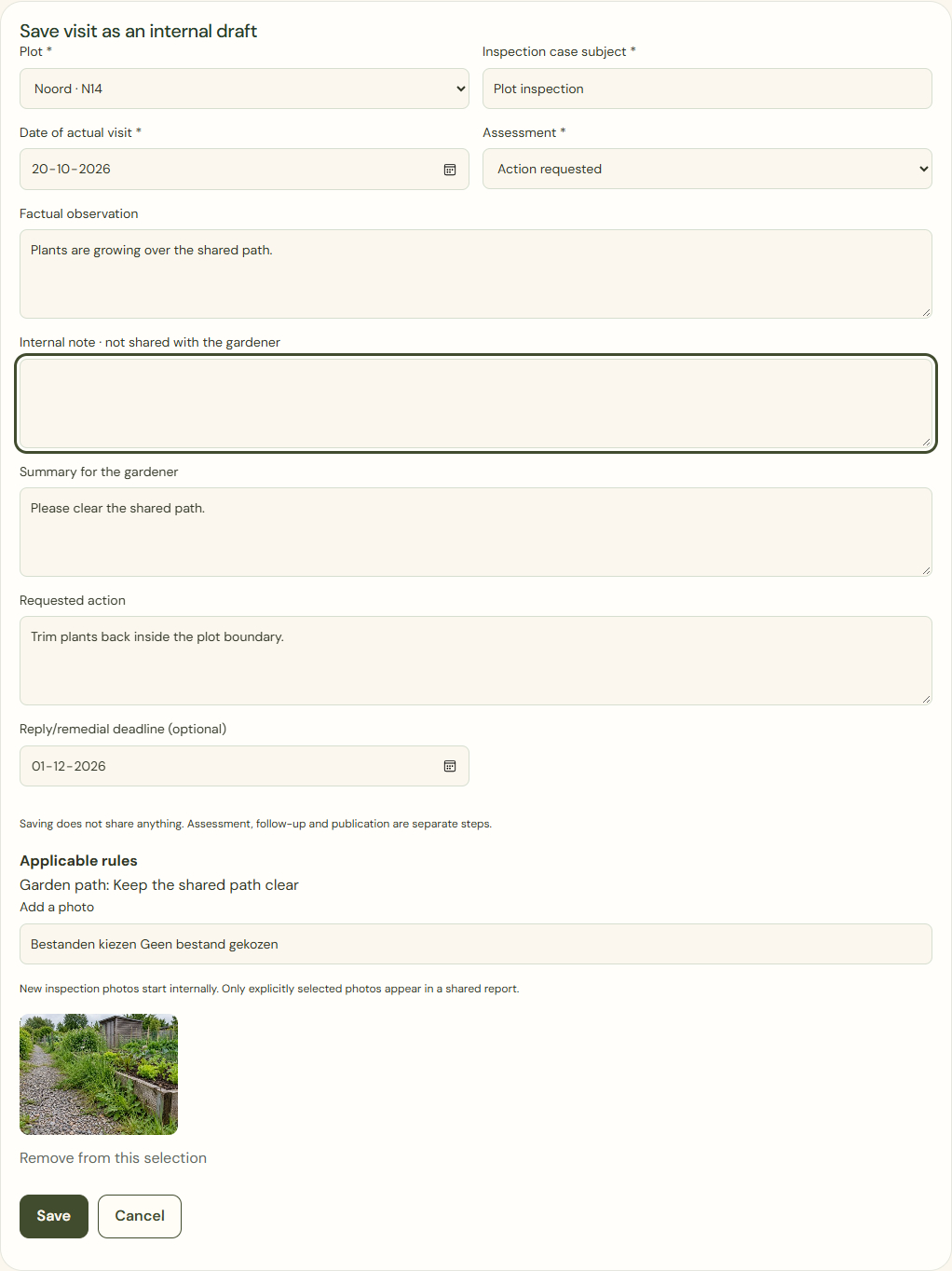
Desktop · Internal inspection draft with fictional records, before saving and sharing. 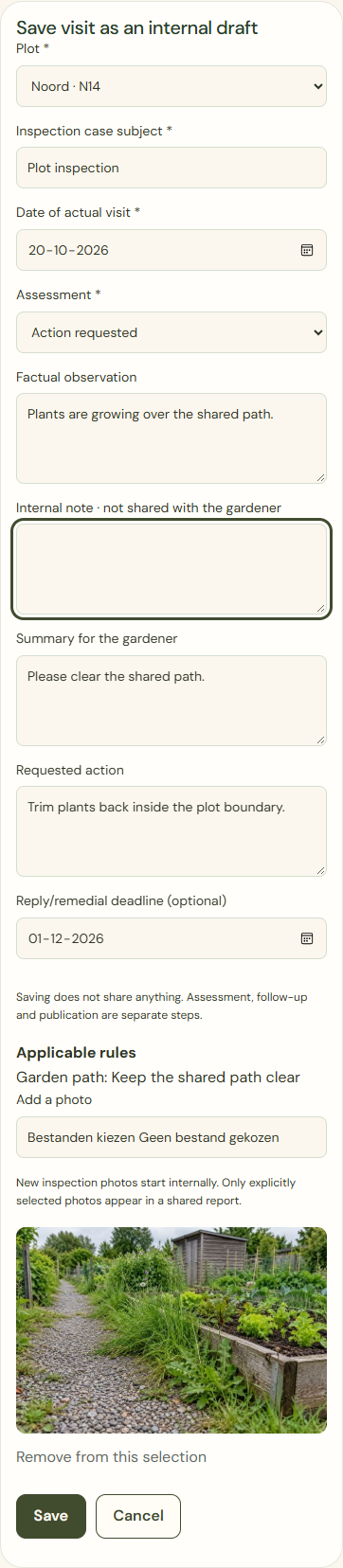
Mobile · Internal inspection draft with fictional records, before saving and sharing. Share result and finish
In the gardener preview, check the recipient, plot, date, assessment, action, deadline, text and photos. Confirm only after checking.
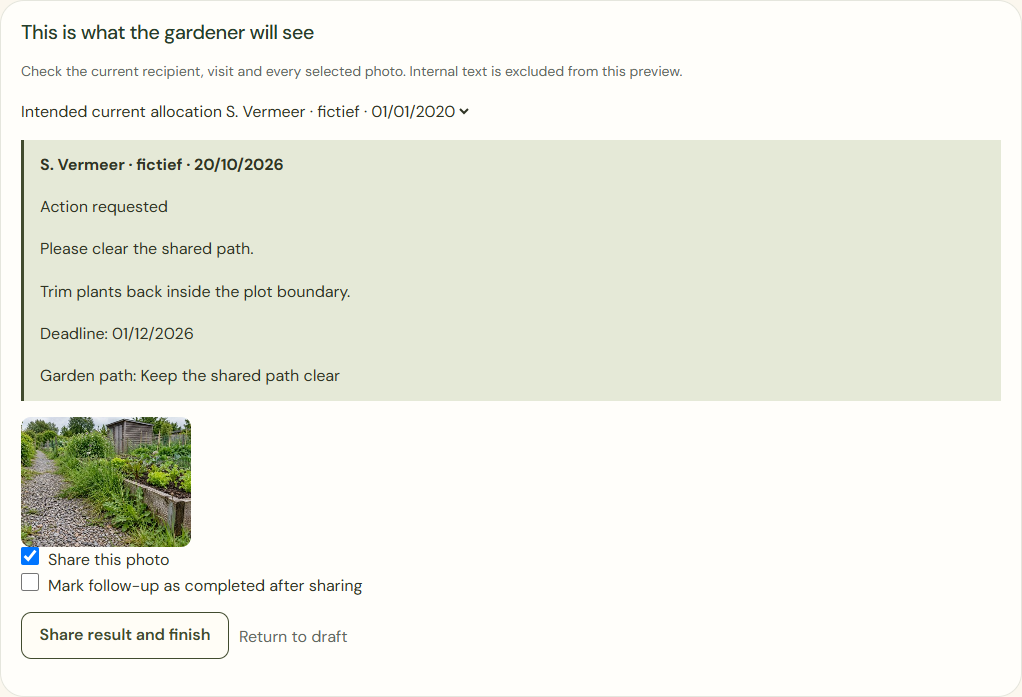
Desktop · Publication check for a fictional household with a selected illustrative photo. 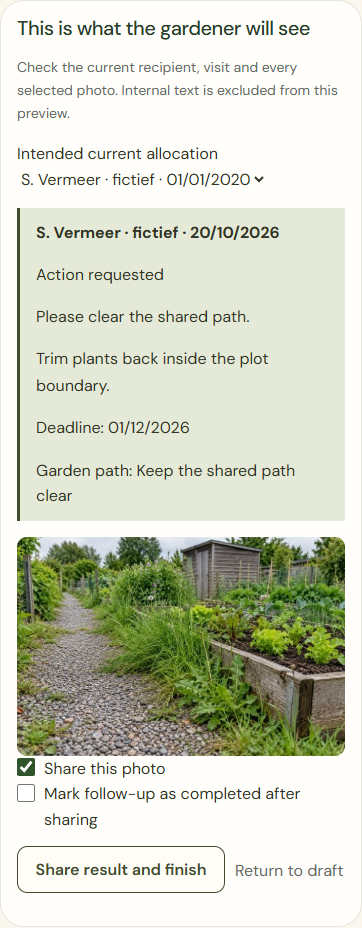
Mobile · Publication check for a fictional household with a selected illustrative photo.
What success looks like
Only the deliberately shared version is visible to the intended household. Each visit keeps its own date and history.
Who can see this?
Internal photos, counts, filenames and notes stay outside the gardener’s view. Private garden journal photos are not used automatically.
If something goes wrong
A changed recipient, allocation or content invalidates the earlier preview. Check again. An expired deadline or reply does not automatically resolve a case.