
Read an inspection result and reply
Read the latest shared result and deliberately reply on behalf of your household.
This guide shows how the association area works. The functions available to you depend on your role and your association’s activation.
What do you need first?
Your linked association portal and a result shared by the committee for your own allocation.
Follow these steps
My plots & inspections
Open My association from Profile and choose your own plot. N14 and N15 remain separate records.
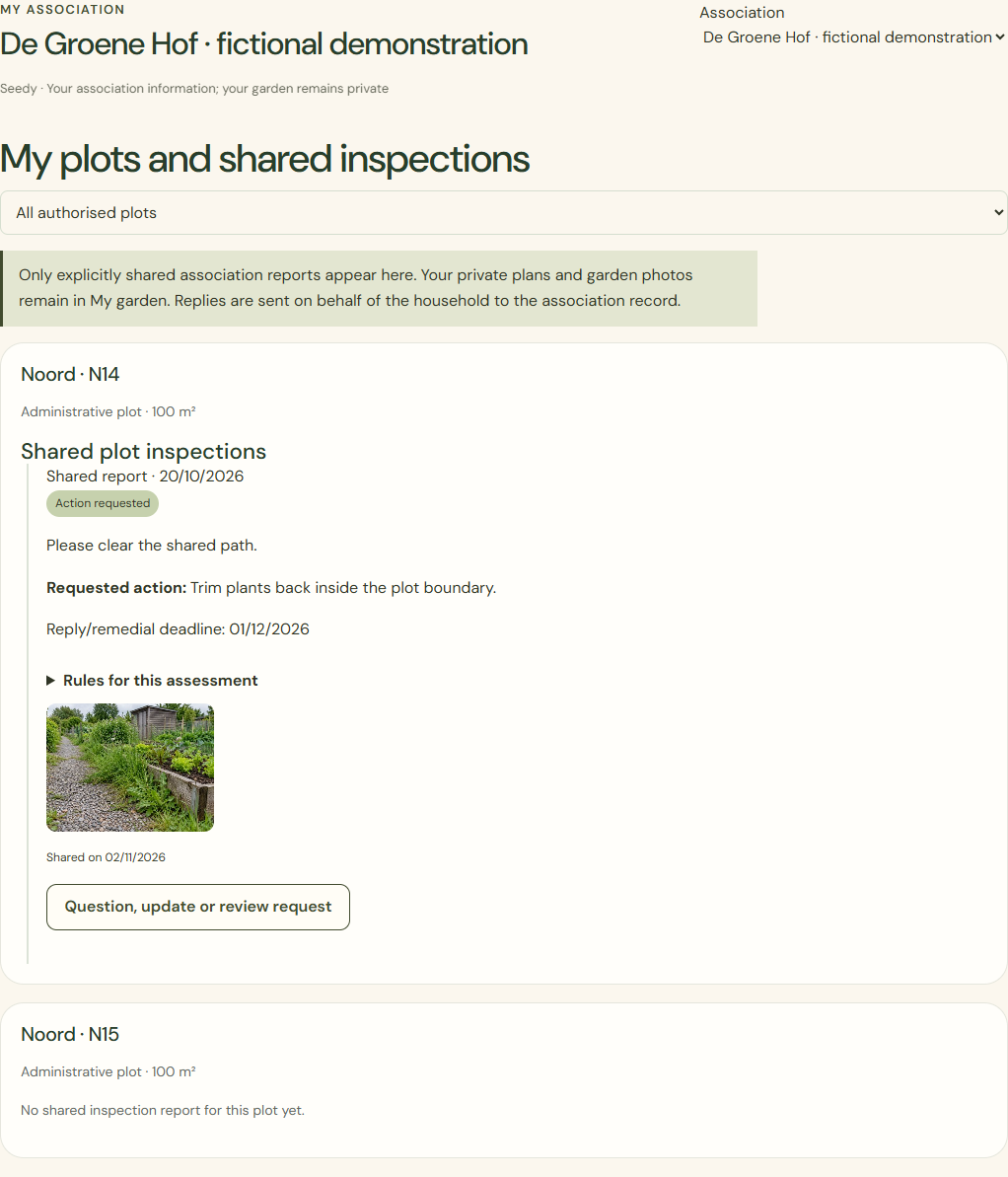
Desktop · Own plots N14 and N15 in a fictional association workspace. 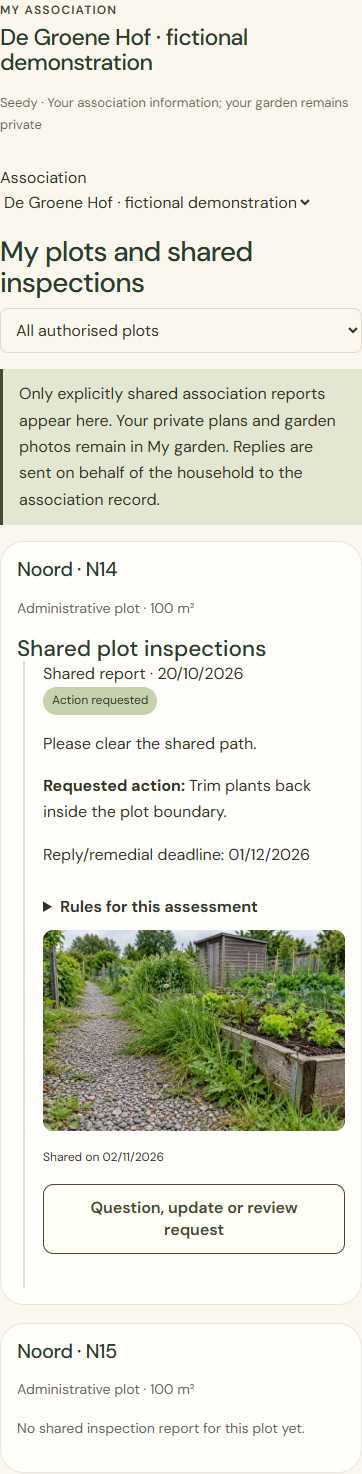
Mobile · Own plots N14 and N15 in a fictional association workspace. Shared plot inspections
Read the date, assessment, action and shared photo. A new internal reinspection appears only after explicit sharing.
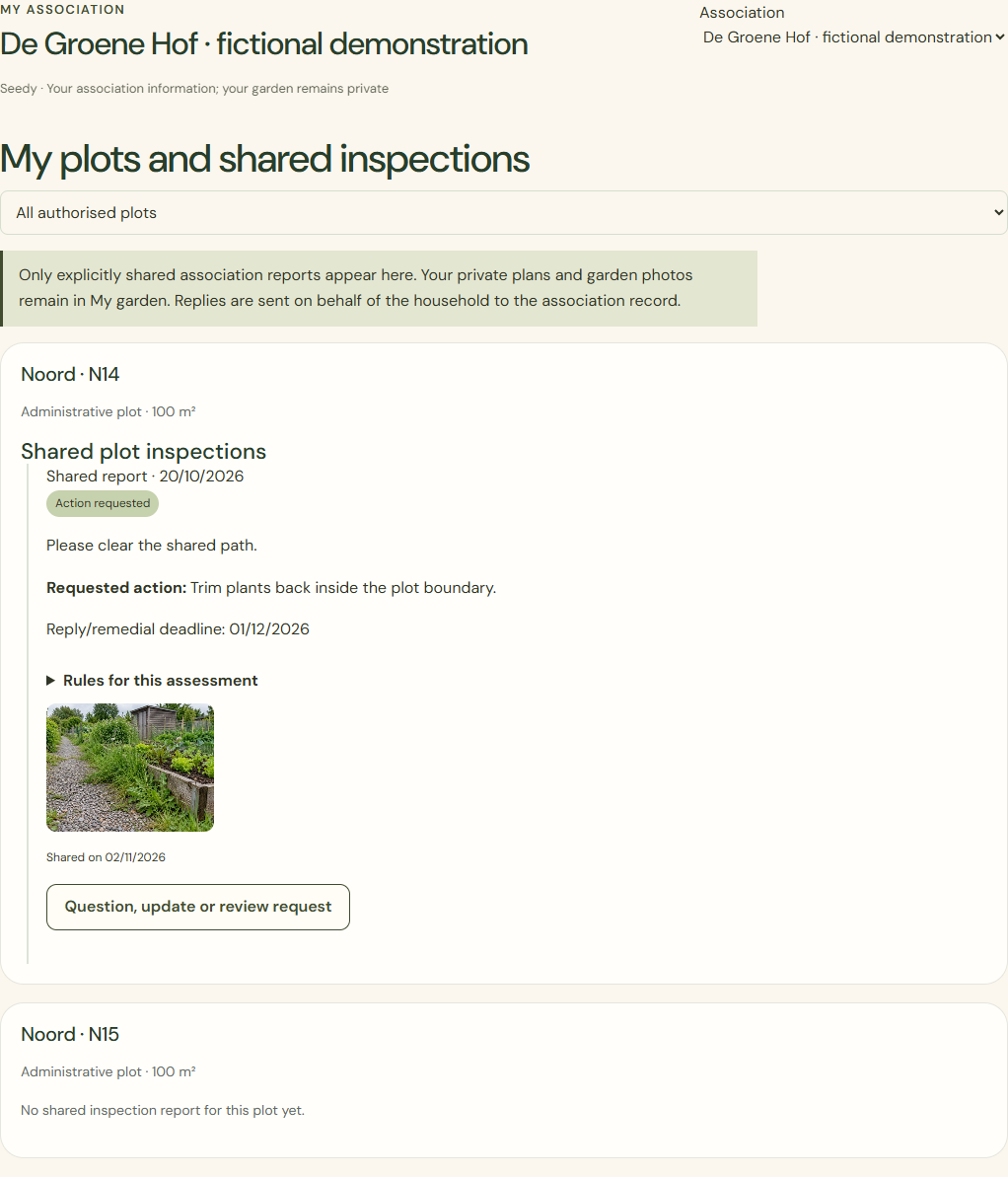
Desktop · Shared inspection report with fictional records and an AI-generated illustrative photo. 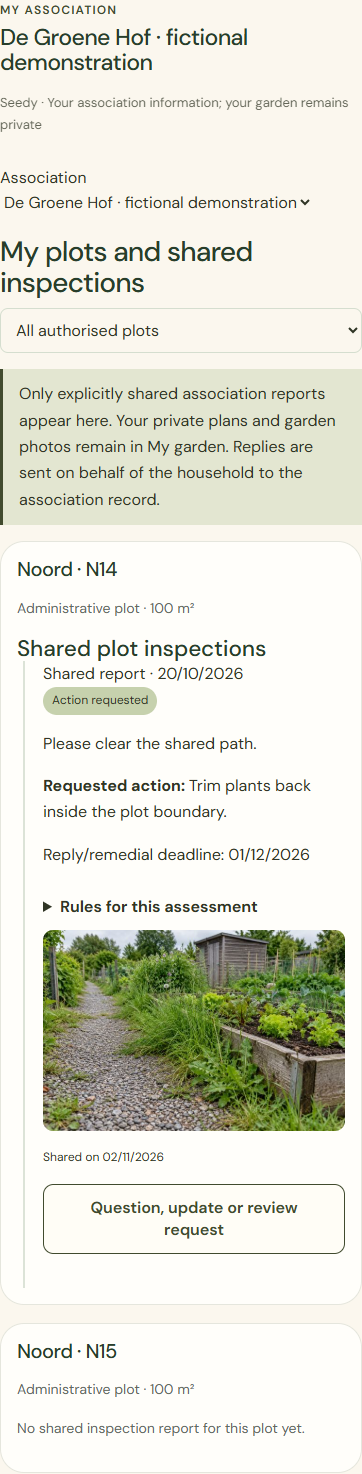
Mobile · Shared inspection report with fictional records and an AI-generated illustrative photo. Question, update or review request
Choose an update, question or review request. Check which text and optional photo will enter the association record.
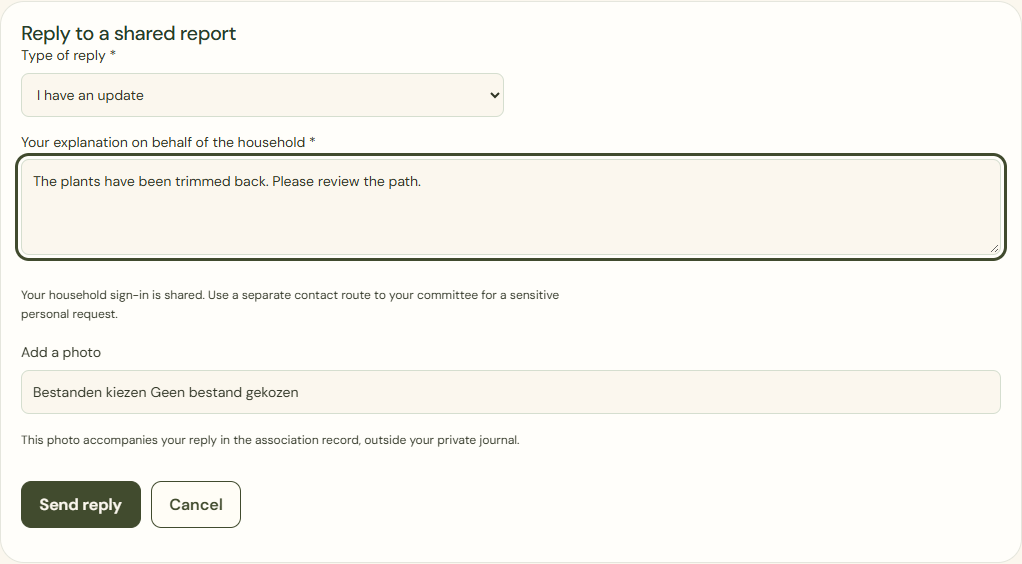
Desktop · Reply form for a fictional household; not yet sent. 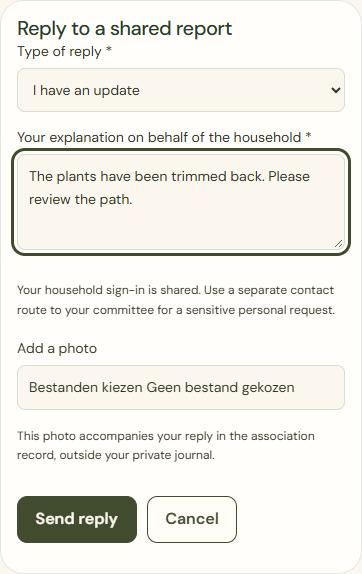
Mobile · Reply form for a fictional household; not yet sent. Send reply
Share after checking. Received does not mean approved. A later shared reinspection has its own date and does not silently replace the history.
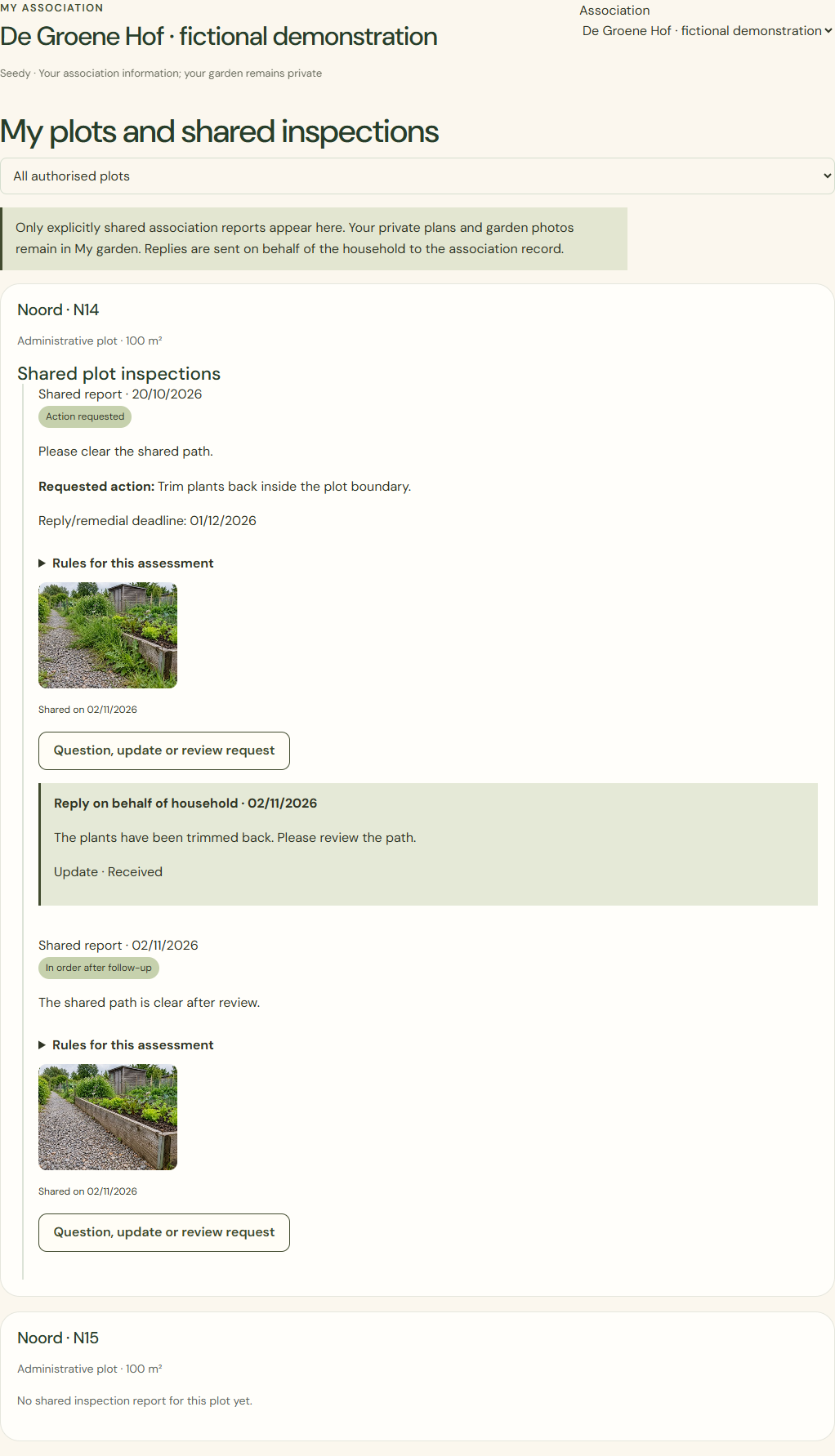
Desktop · Two dated fictional inspection reports with AI-generated illustrative photos. 
Mobile · Two dated fictional inspection reports with AI-generated illustrative photos.
What success looks like
Your reply can be found in your own record. A new assessment appears only when it has been reviewed and shared by an authorised person.
Who can see this?
A family sign-in replies on behalf of the household. Use a separate committee contact route for sensitive personal matters.
If something goes wrong
Wrong plot or a disputed assessment? Contact your own committee. On a sending failure, keep the input and check receipt before sharing again.