
Organise an activity or register
Count people and households separately and update a household’s registration without duplicates.
This guide shows how the association area works. The functions available to you depend on your role and your association’s activation.
What do you need first?
An activities administrator to organise, or your own portal access to register the household.
Follow these steps
Save details
The administrator sets the date, time, venue, audience and capacity in people. This does not automatically change registrations.
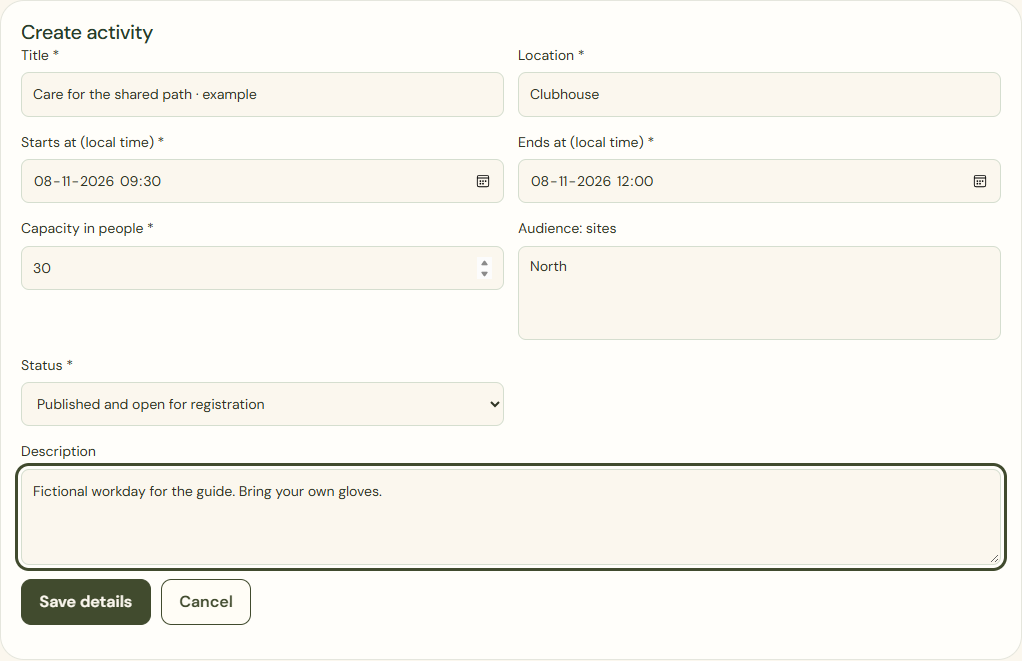
Desktop · Actual activity form with a fictional workday, times and capacity. 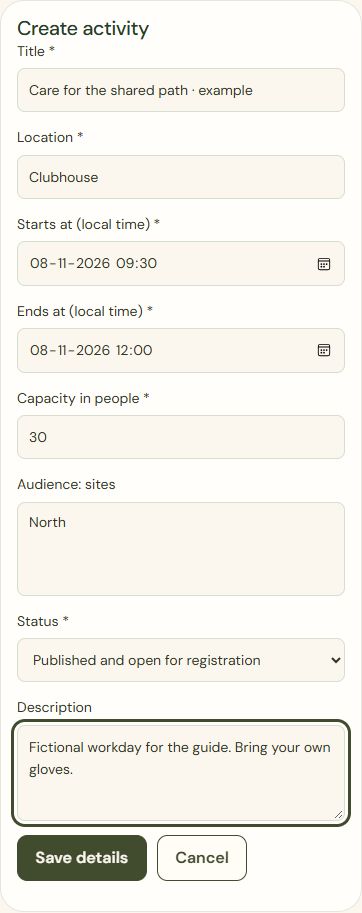
Mobile · Actual activity form with a fictional workday, times and capacity. Save registration
The gardener enters the household’s participant count. Saving replaces the existing registration. If 18 people from 11 households already include your 2, saving 2 again stays at 18 from 11.
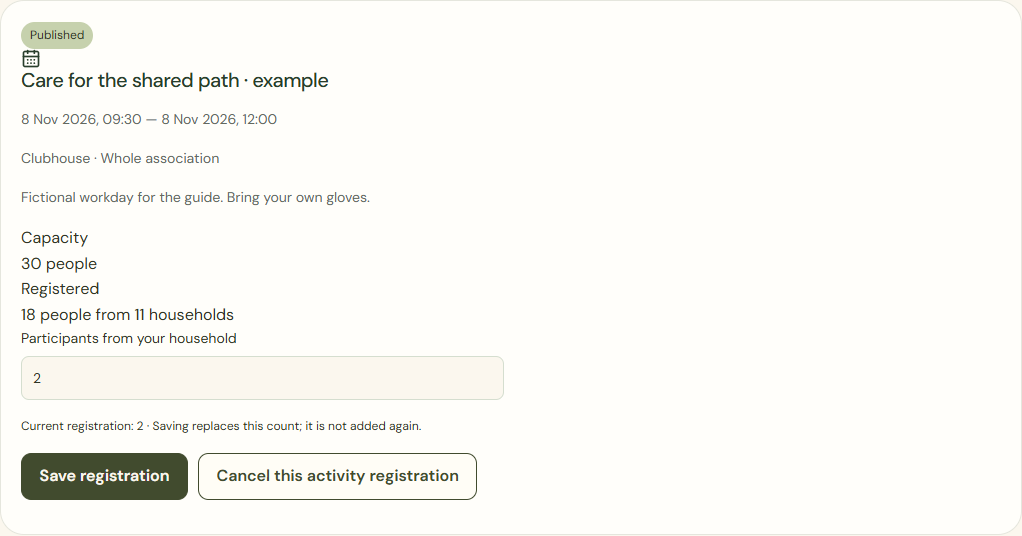
Desktop · Own registration for two people; eighteen people from eleven households in total. 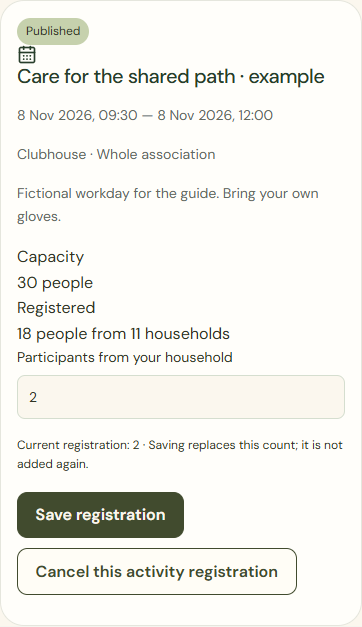
Mobile · Own registration for two people; eighteen people from eleven households in total. Cancel this activity registration
Check the cancellation. From the same example, changing to 3 makes 19 from 11; cancelling the original 2 makes 16 from 10. These are separate branches.
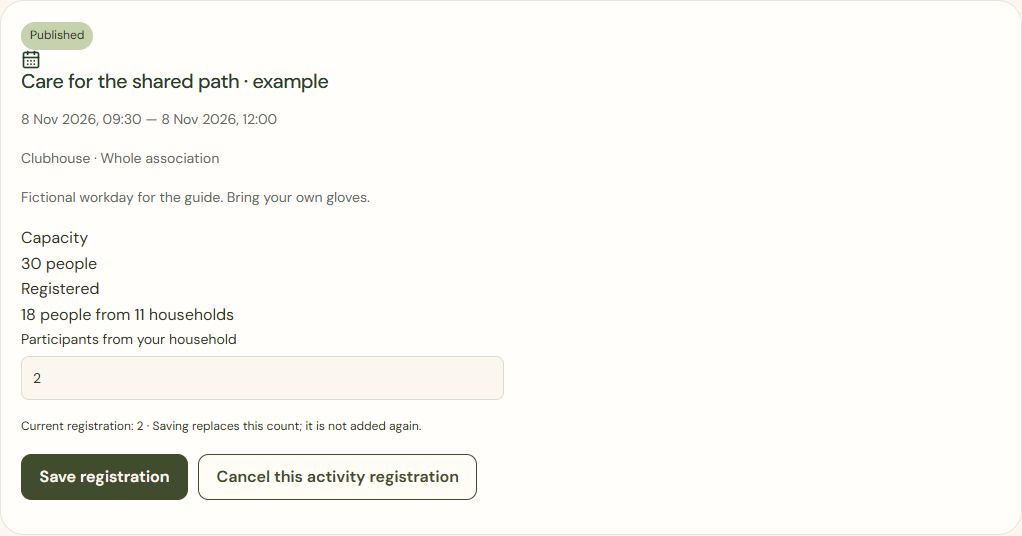
Desktop · Own confirmed registration with the button to cancel this activity only. 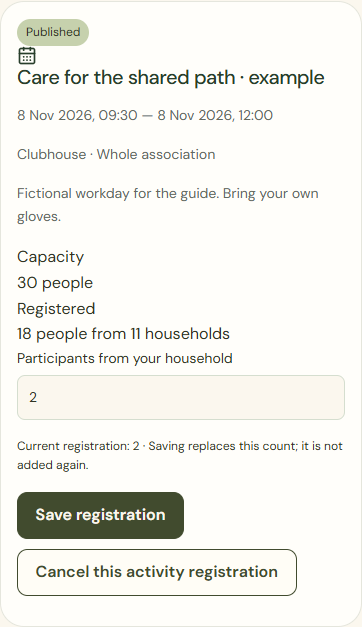
Mobile · Own confirmed registration with the button to cancel this activity only. Register manually
The administrator can record a telephone registration against the existing household. An existing registration is updated, not added twice.
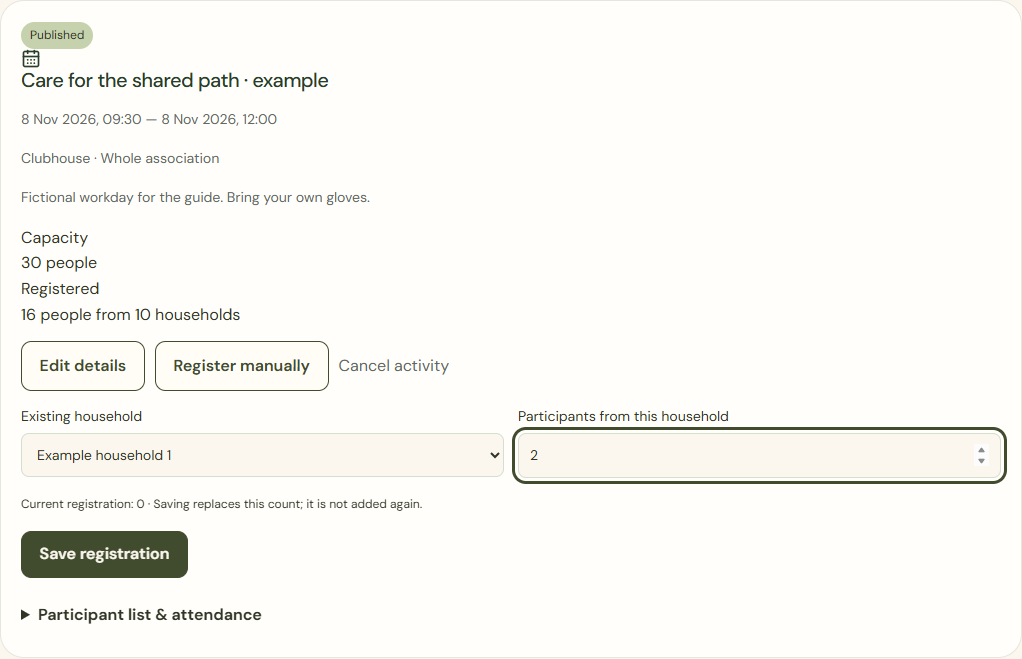
Desktop · Committee form to record a telephone registration against the existing fictional household. 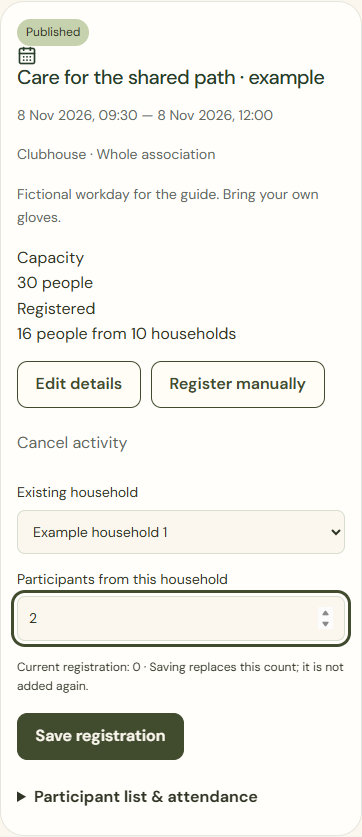
Mobile · Committee form to record a telephone registration against the existing fictional household.
What success looks like
Your registration and remaining capacity are confirmed. Attendance after the event is a separate record.
Who can see this?
An activities role sees necessary participant information, not private crops or complete inspection files. Cancellation does not end membership or planner access.
If something goes wrong
If an activity is full or the connection fails, check the current registration first. A failed attempt does not reserve a place and must not be shown as successful.